CloudFront
How to work with CloudFront
Request SSL certificate (ACM)
Go to AWS Console → Certificate Manager (ACM).
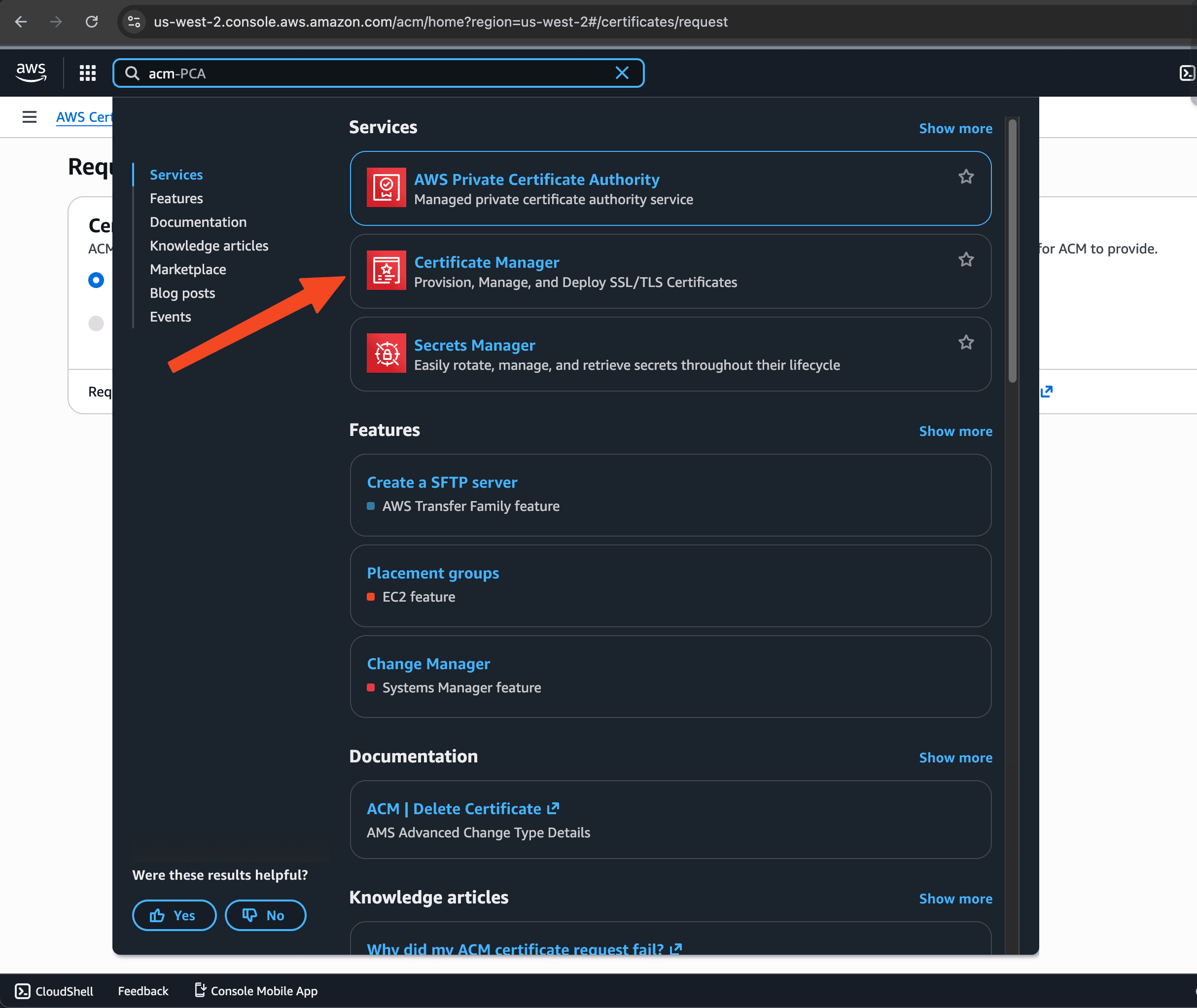
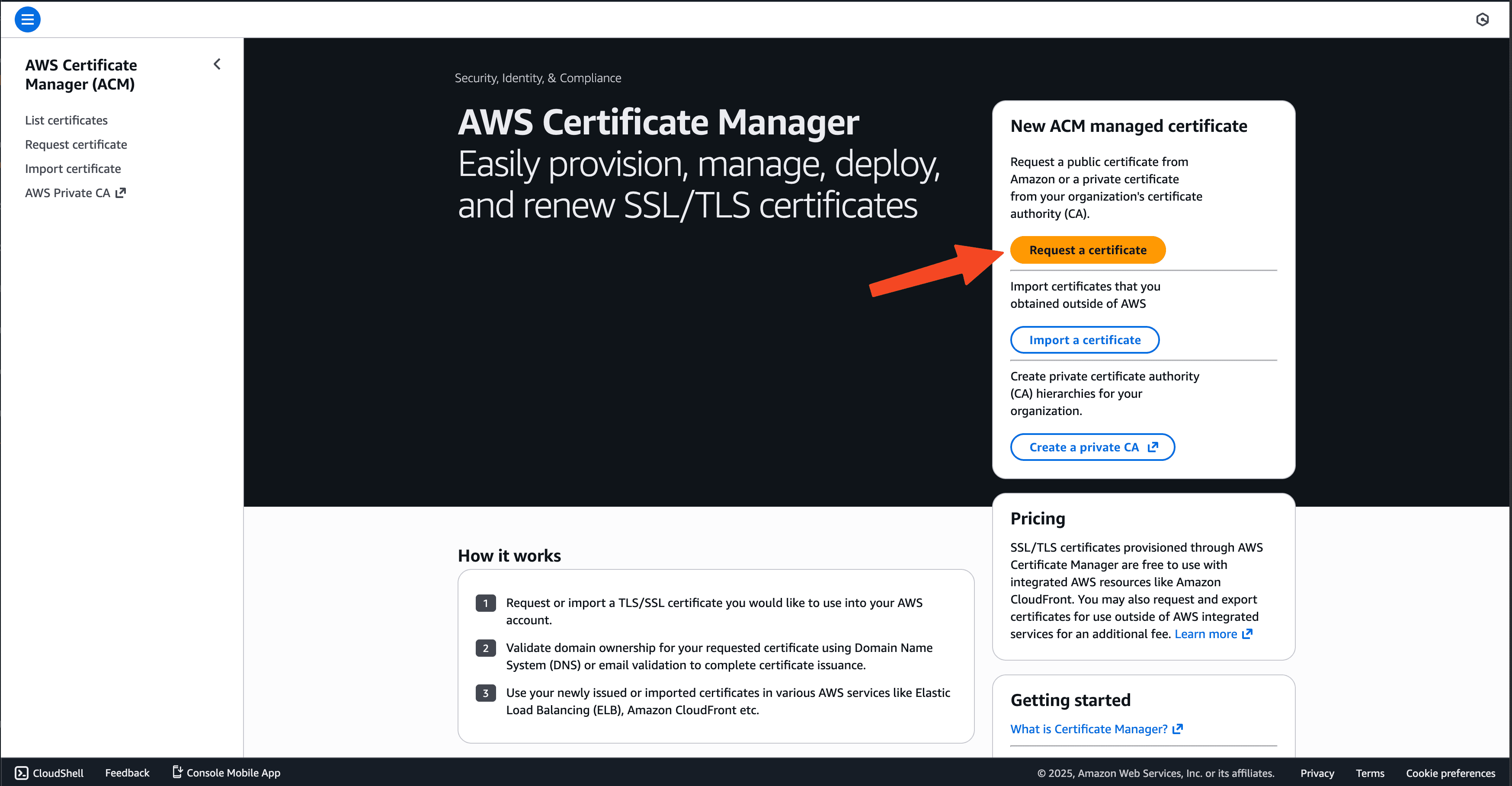
Click Request a certificate → Request a public certificate.
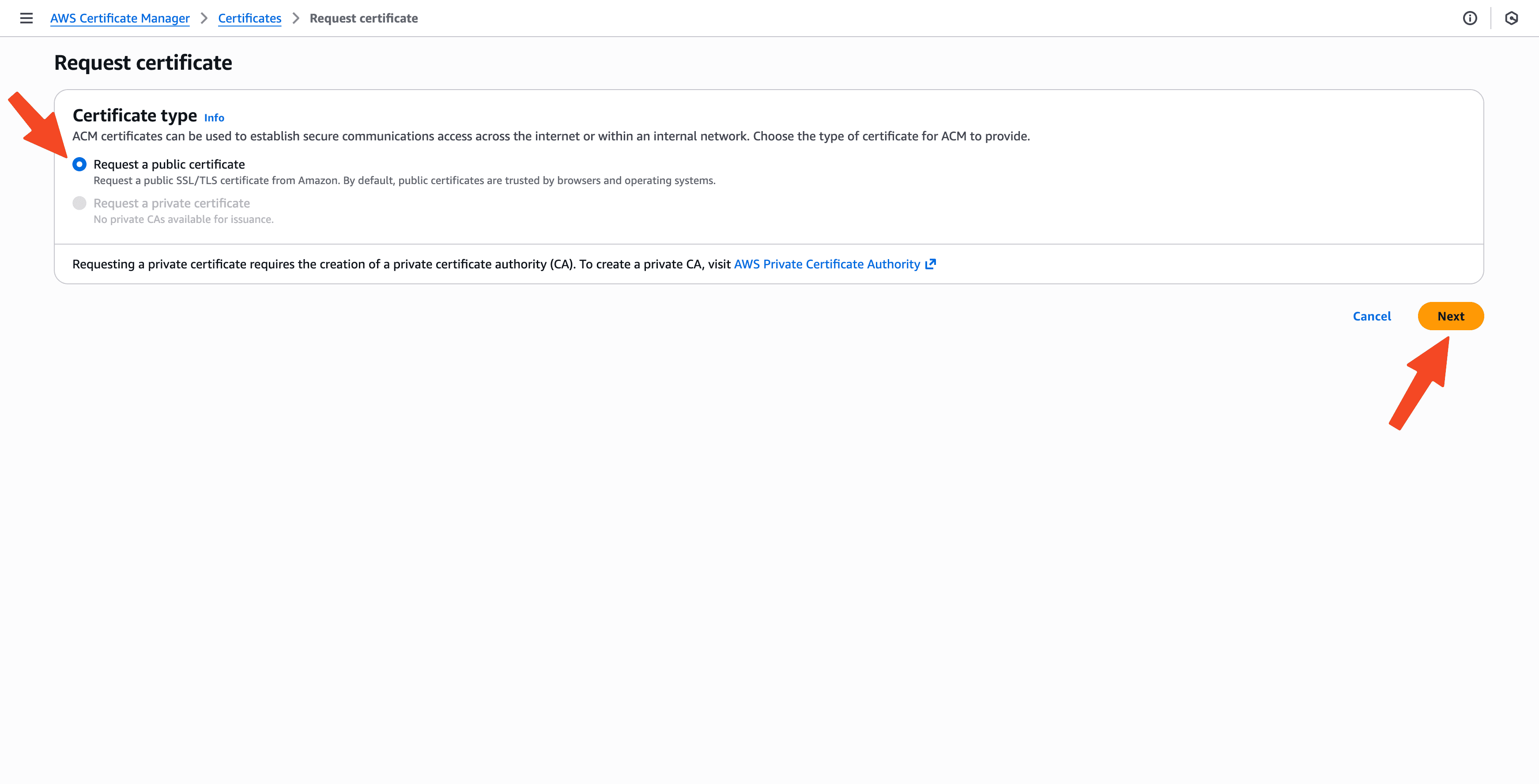
Just type your domain name: cdn.alisamadii.com and then leave the rest as default.
After clicking Request, you will see a page like this.
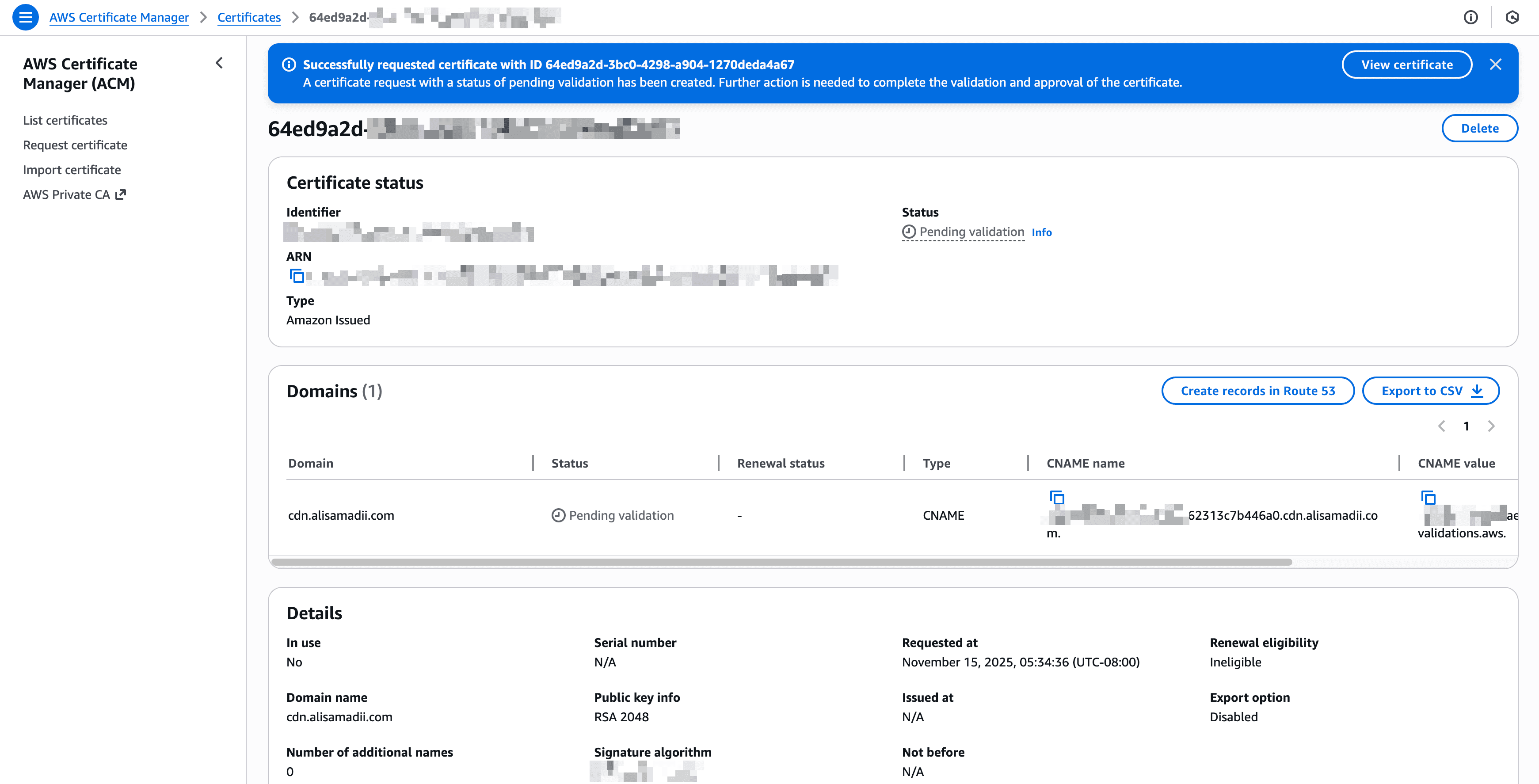
Now open your DNS provider and add the validation records.
| Field | Value |
|---|---|
| Type | CNAME |
| Name/Host | _b650899b76c1412c1d362313c113413a0.cdn.alisamadii.com. |
| Value | _21eca67ee134aed0c7f90ae7e5dcd5123.jkddzztszm.acm-validations.aws. |
Important notes: Remove the final dot “.” at the end. Namecheap does NOT want trailing dots. Namecheap automatically appends .alisamadii.com behind the scenes.
- _b650899b76c1412c1d362313c113413a0.cdn.alisamadii.com.
+ _b650899b76c1412c1d362313c113413a0.cdn
Give it a few minutes. Then you can check the status of the certificate.
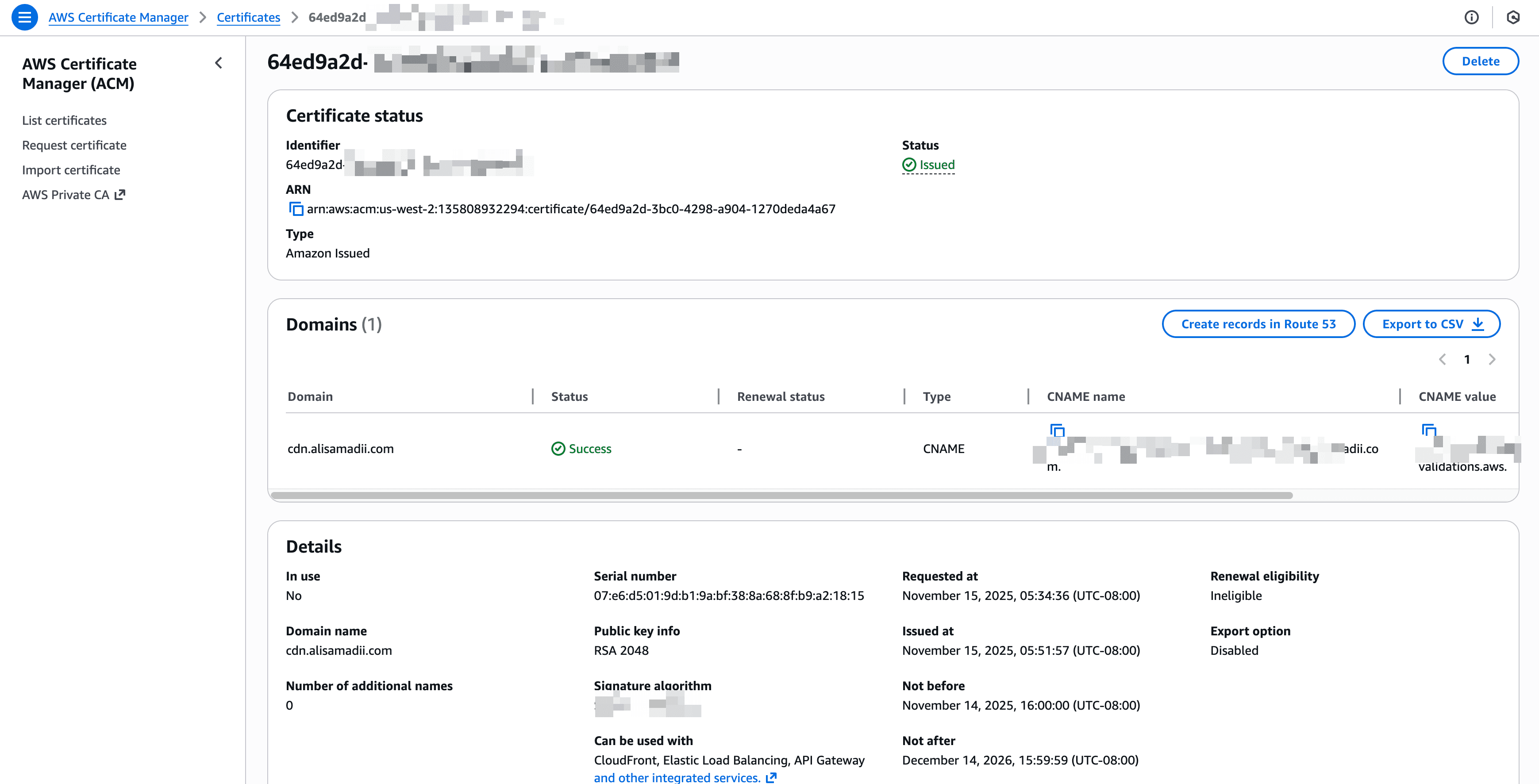
Congratulations! You have a successful SSL certificate.
Create CloudFront distribution
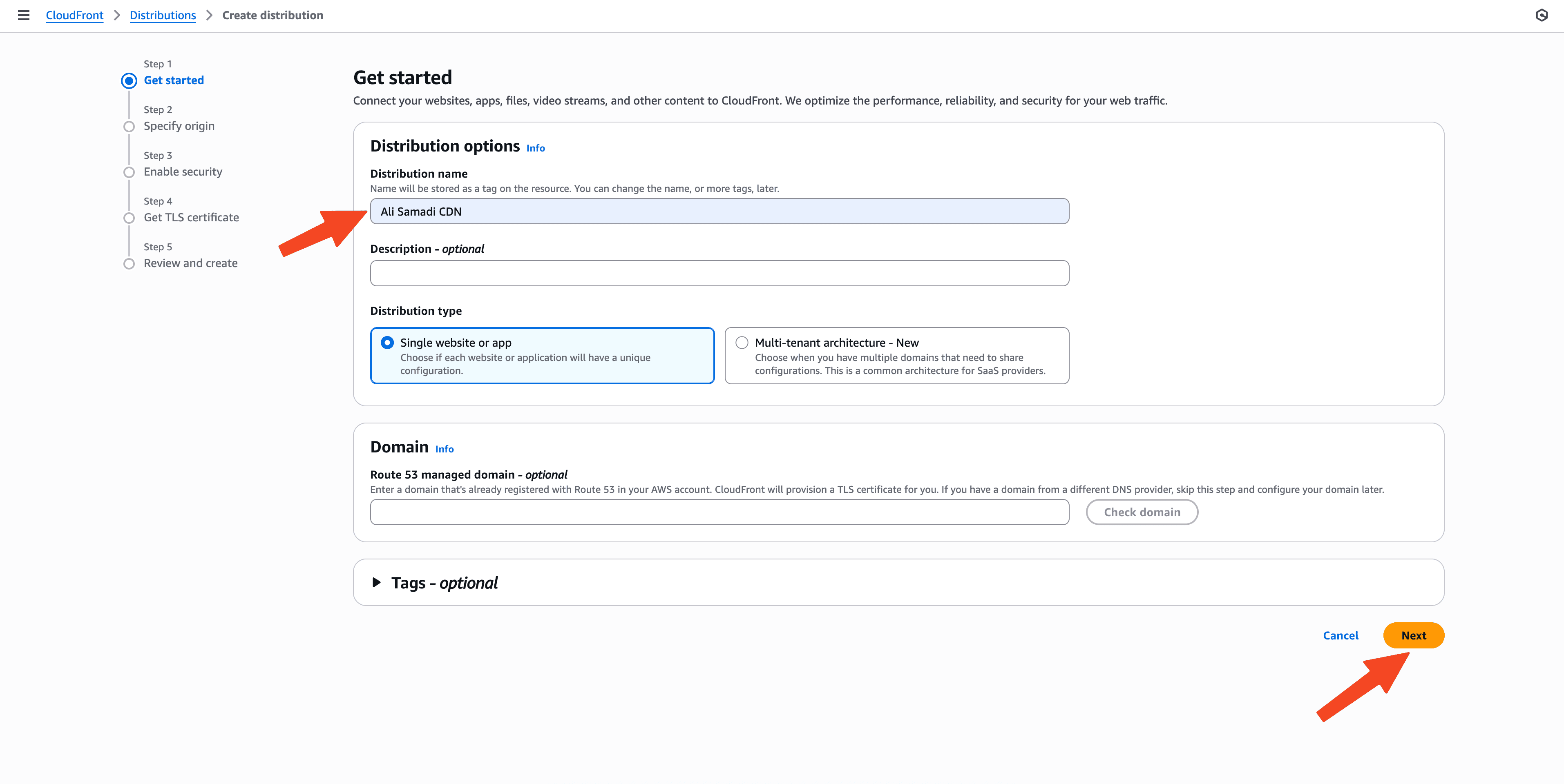
Go to AWS Console → CloudFront → Create Distribution.
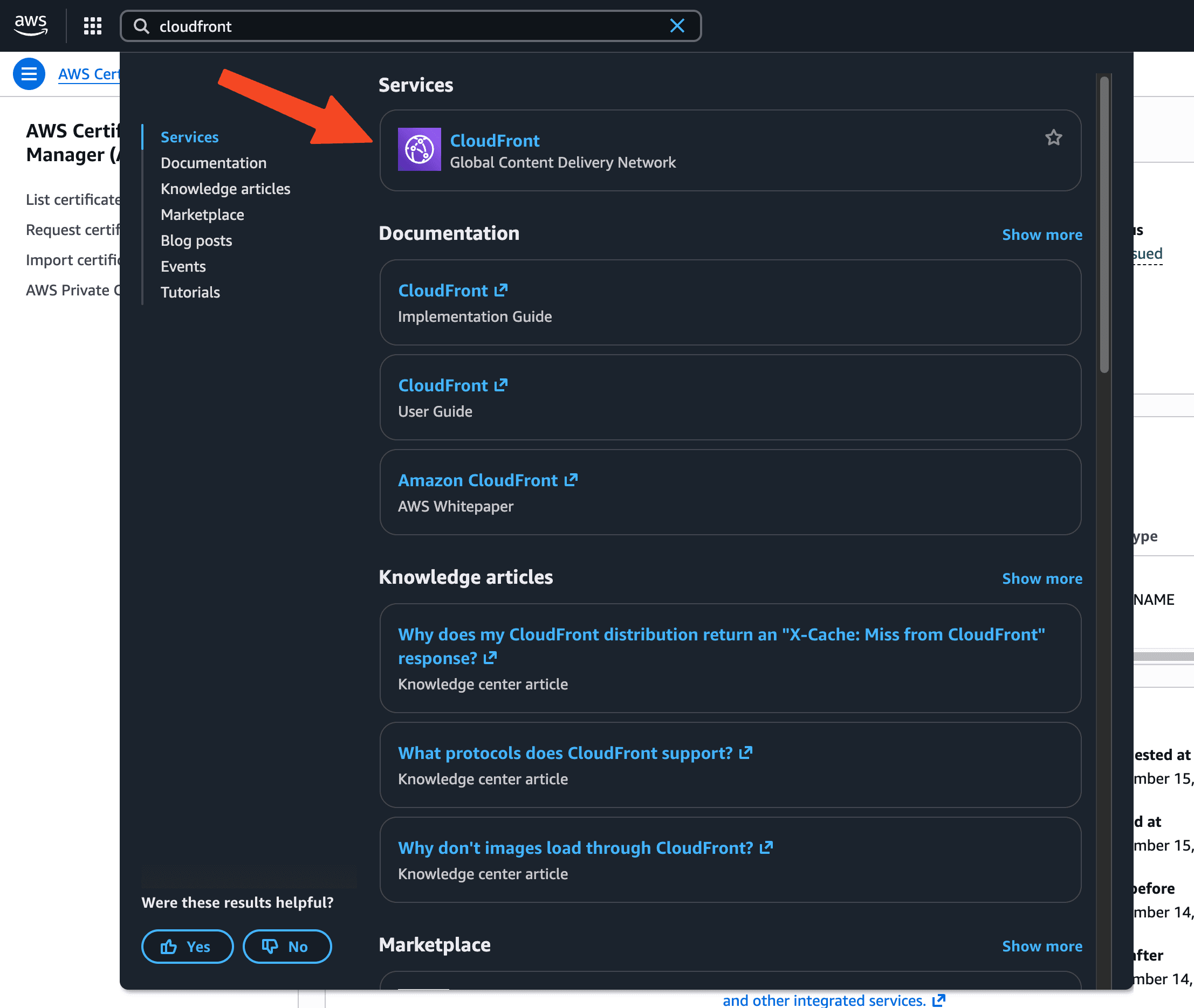
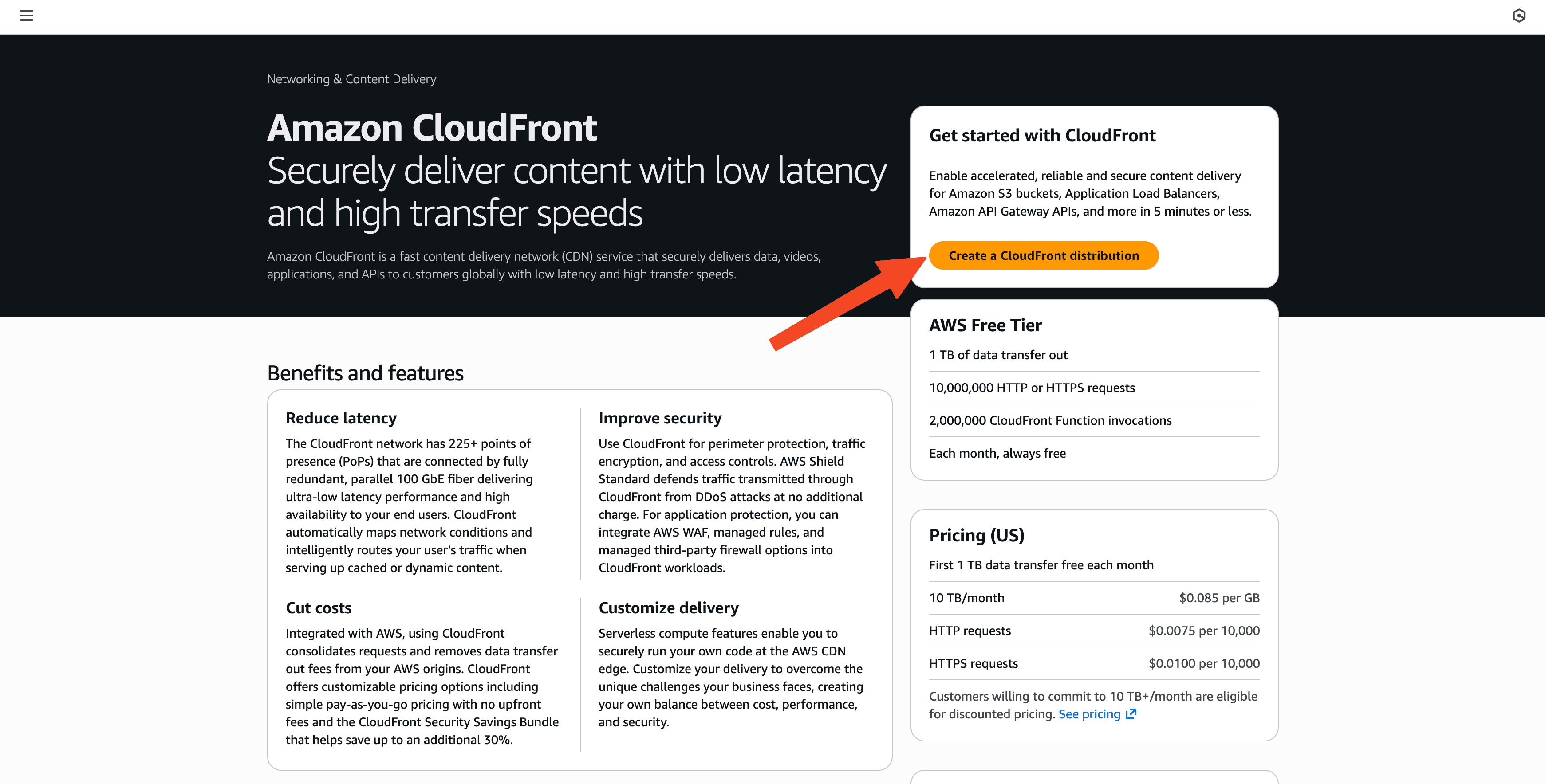
Only add a name
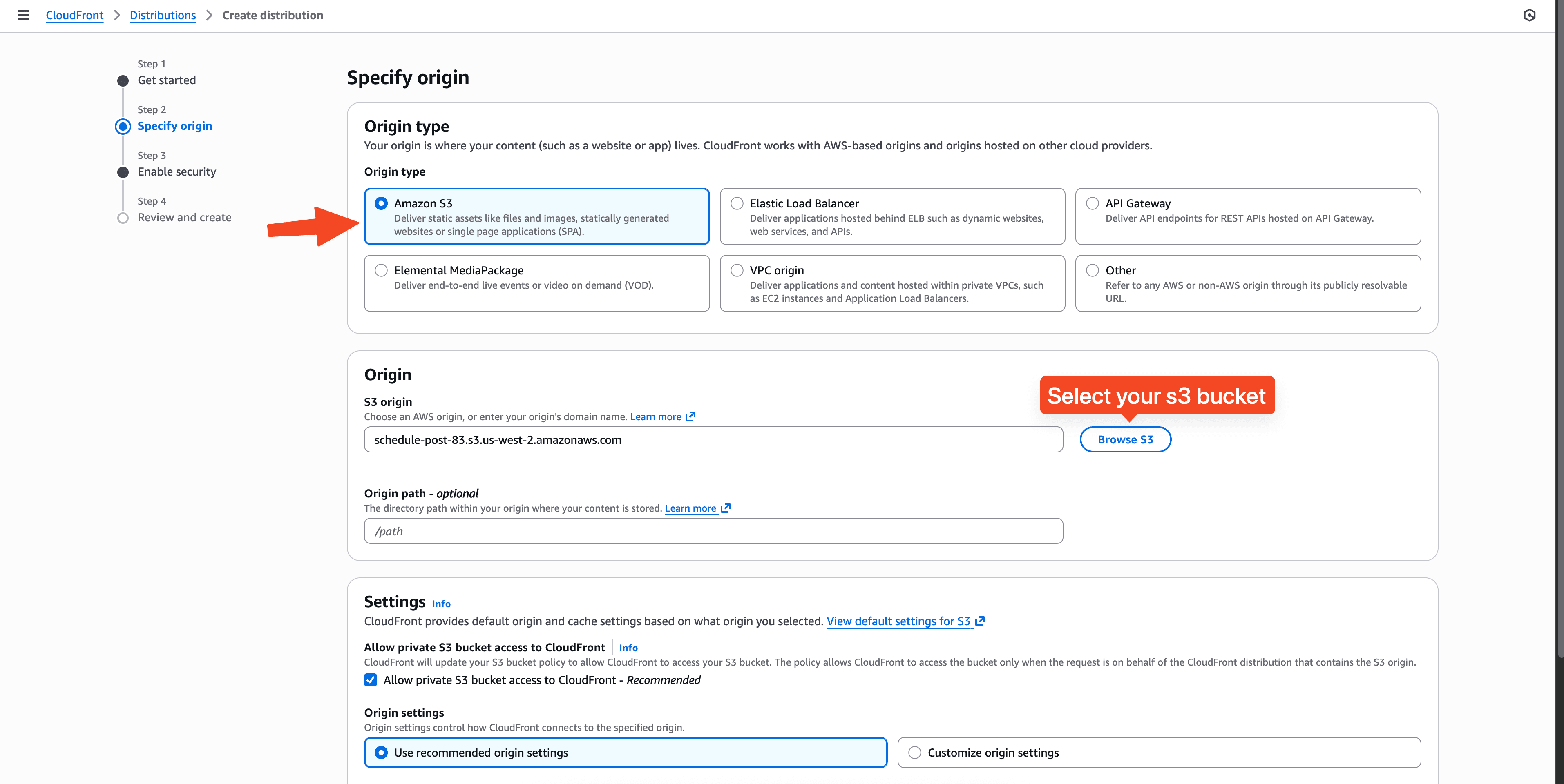
Specify the origin.
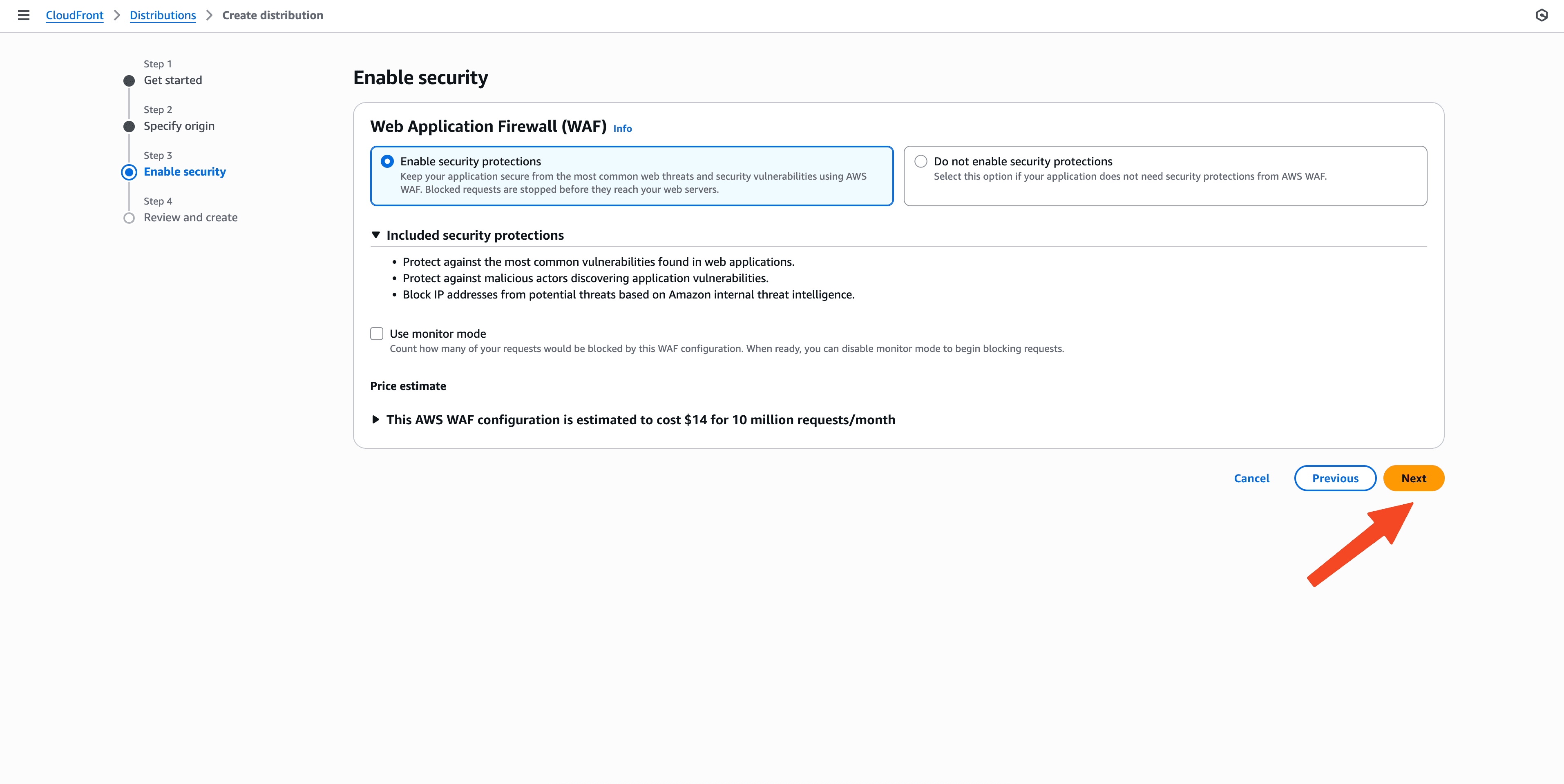
Leave the rest as default here.
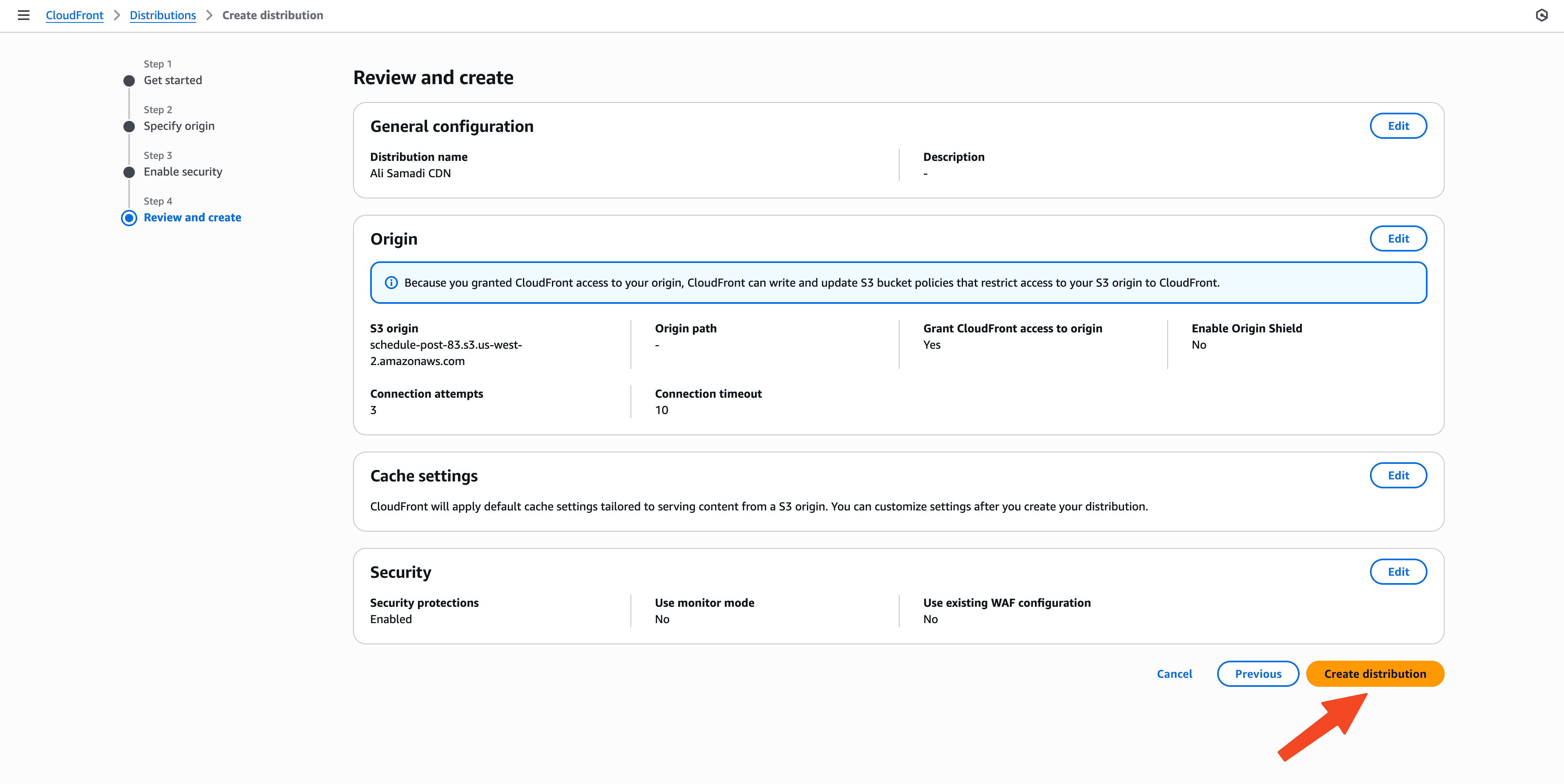
Now create the distribution.
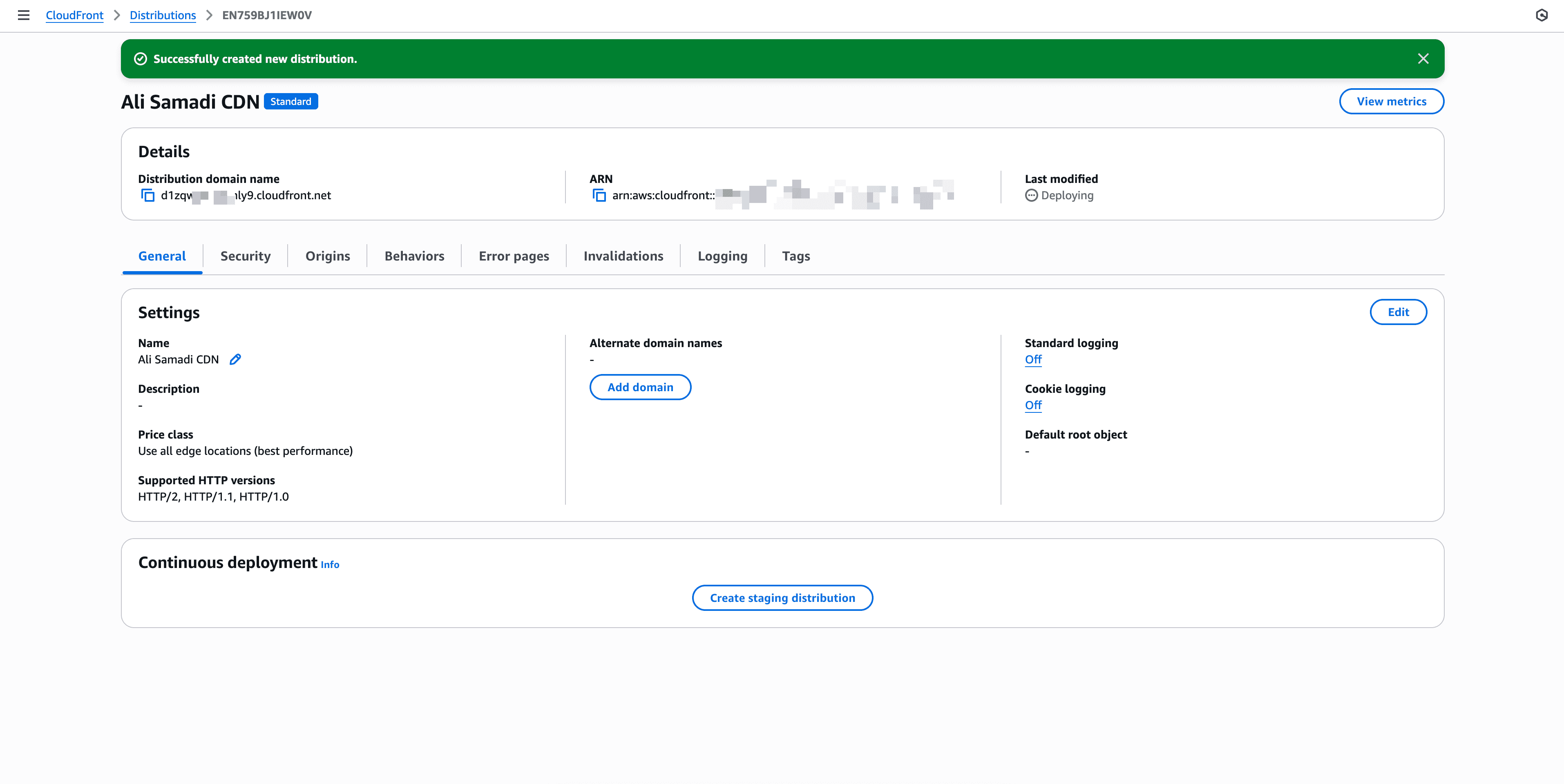
Congratulations! You have a successful created CloudFront distribution.
Final step
Go to your DNS provider and add the CNAME record.
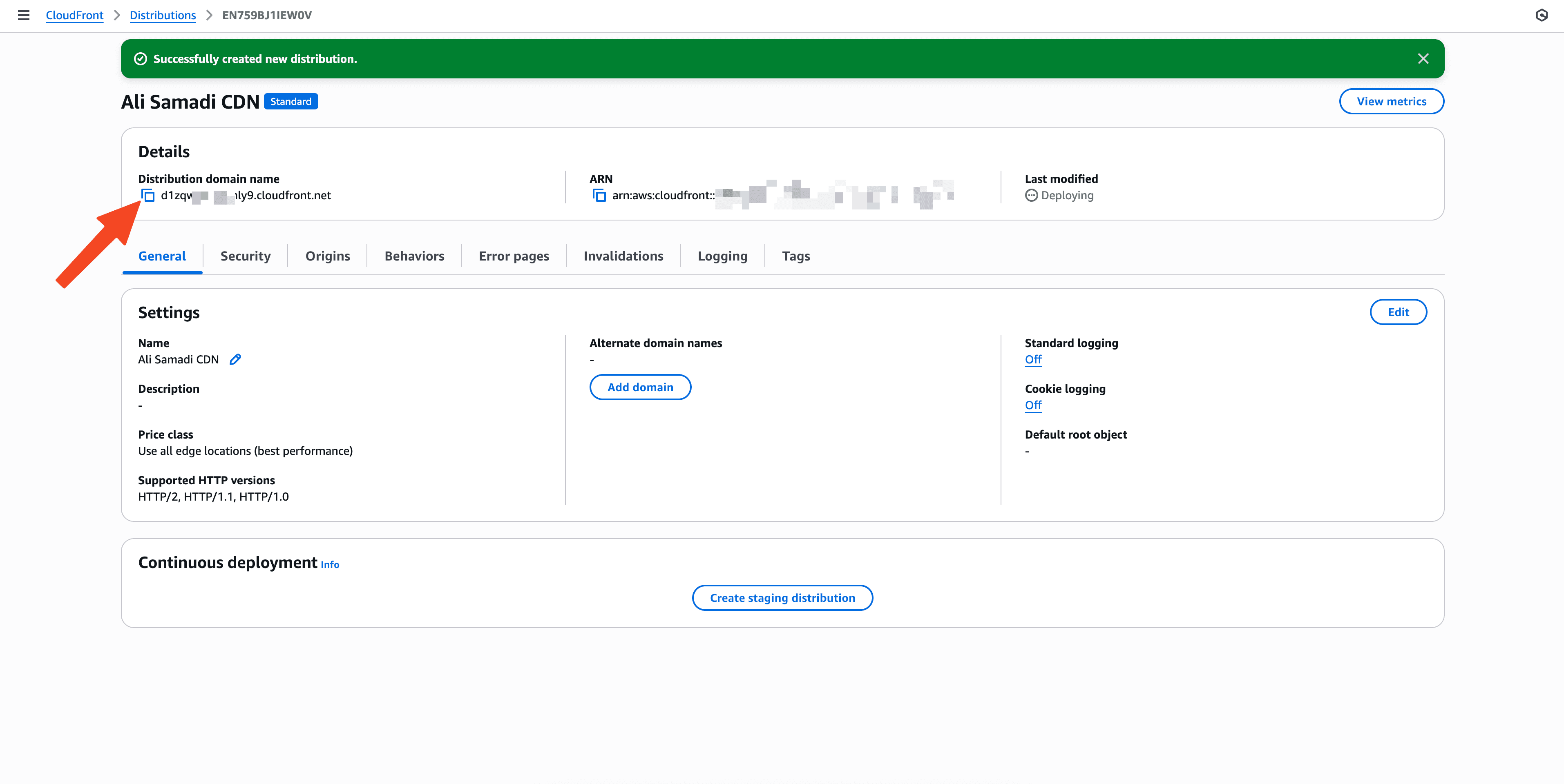
| Field | Value |
|---|---|
| Type | CNAME |
| Name/Host | cdn |
| Value | d1zqwy******y9.cloudfront.net |
Errors
You might encounter the following errors:
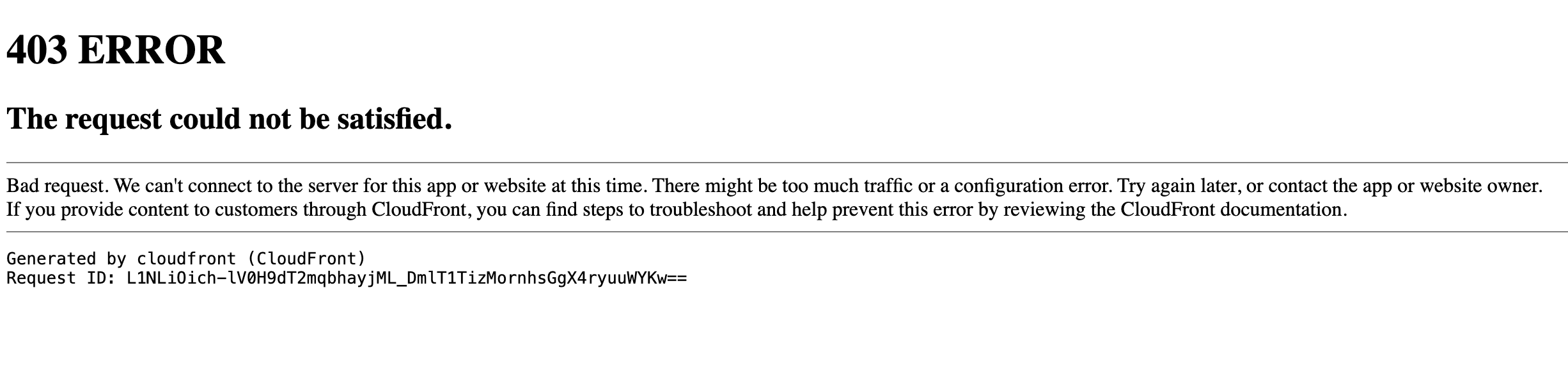
Right now CloudFront is returning 403 because it’s not allowed to read from the bucket (or is using Origin Access Control without matching bucket policy). Easiest fix for you: treat S3 as a public origin.
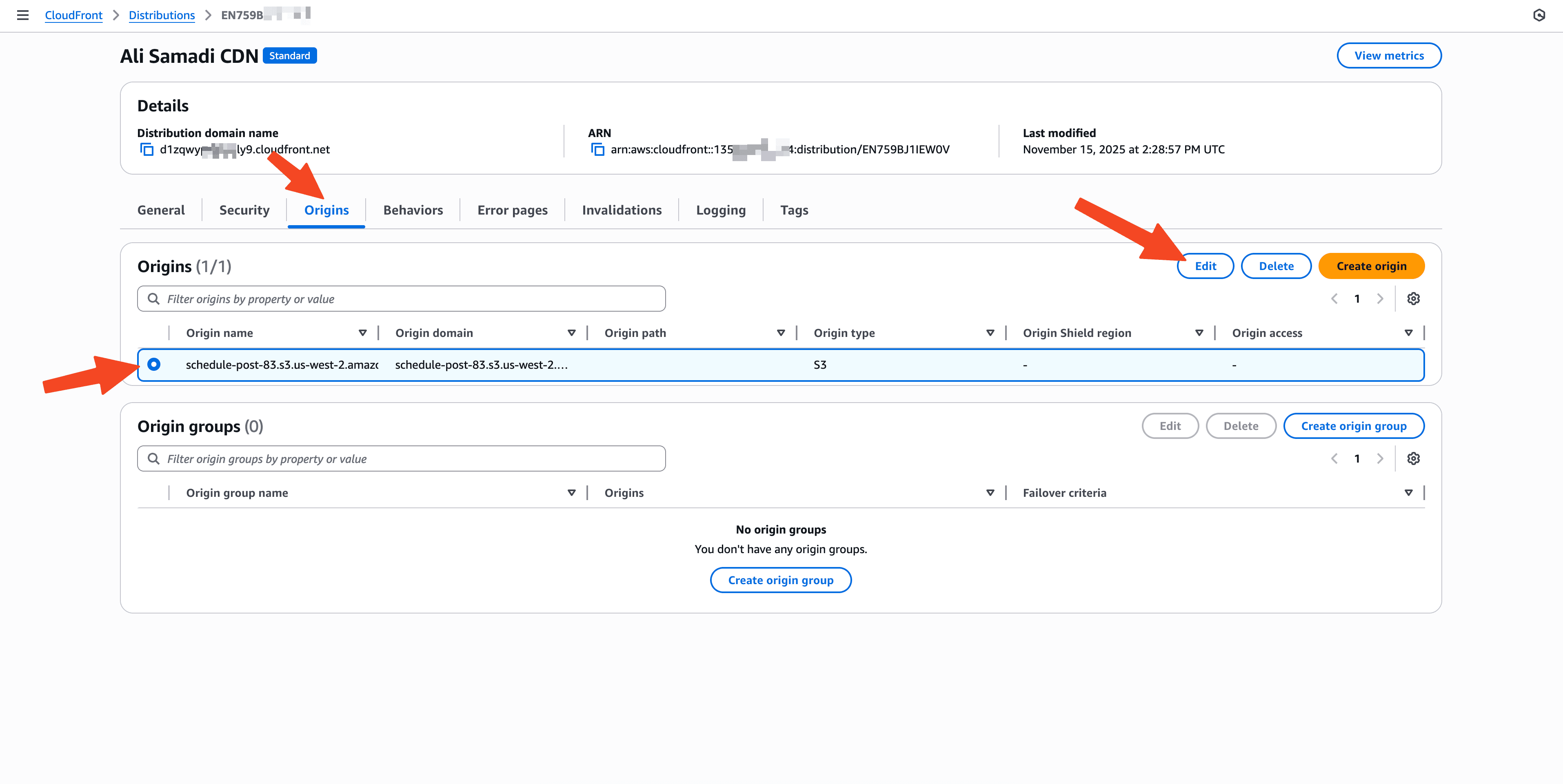
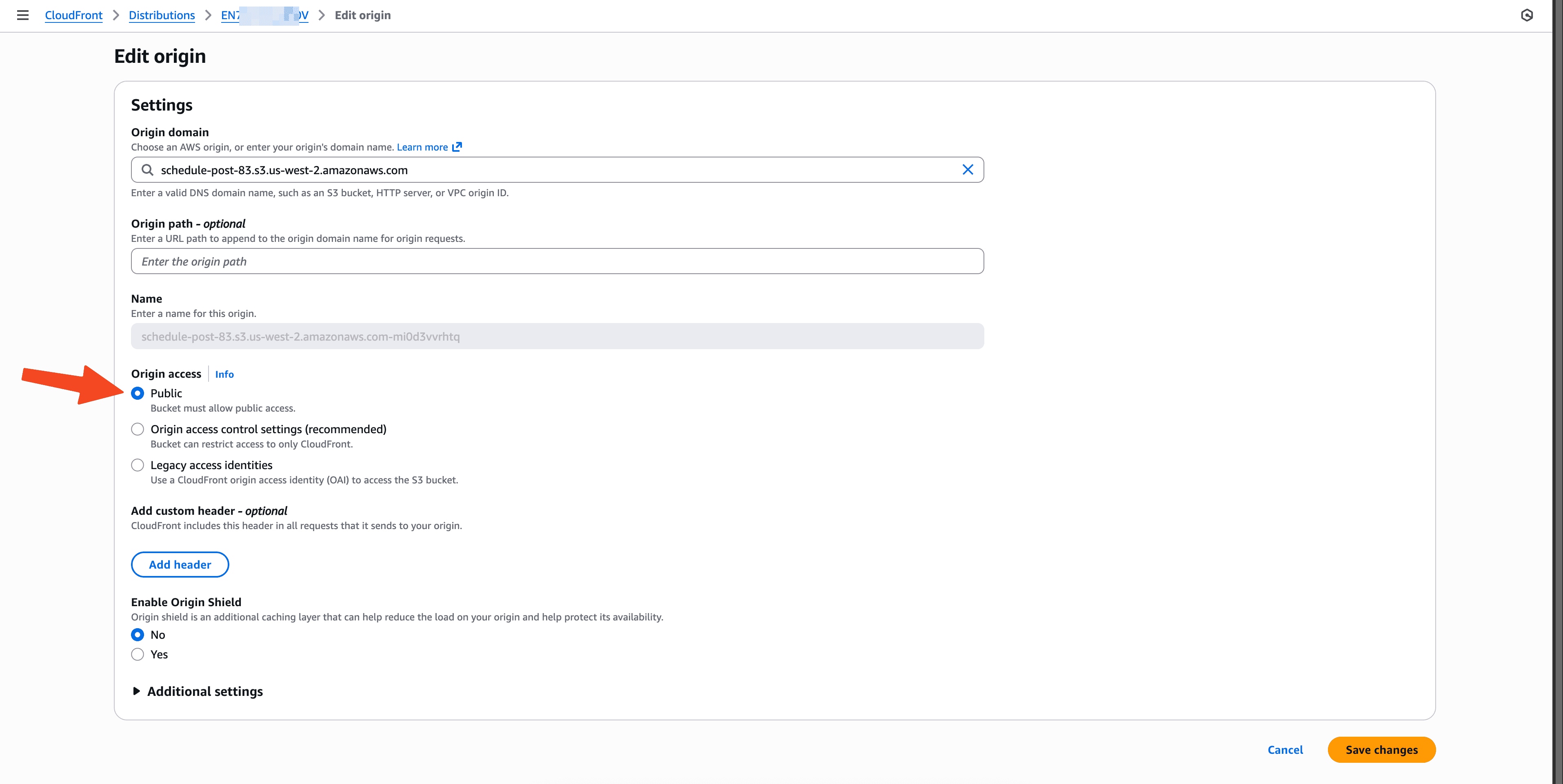
The 403 is about S3 access.
The Not Secure text in Chrome is separate and will clear once:
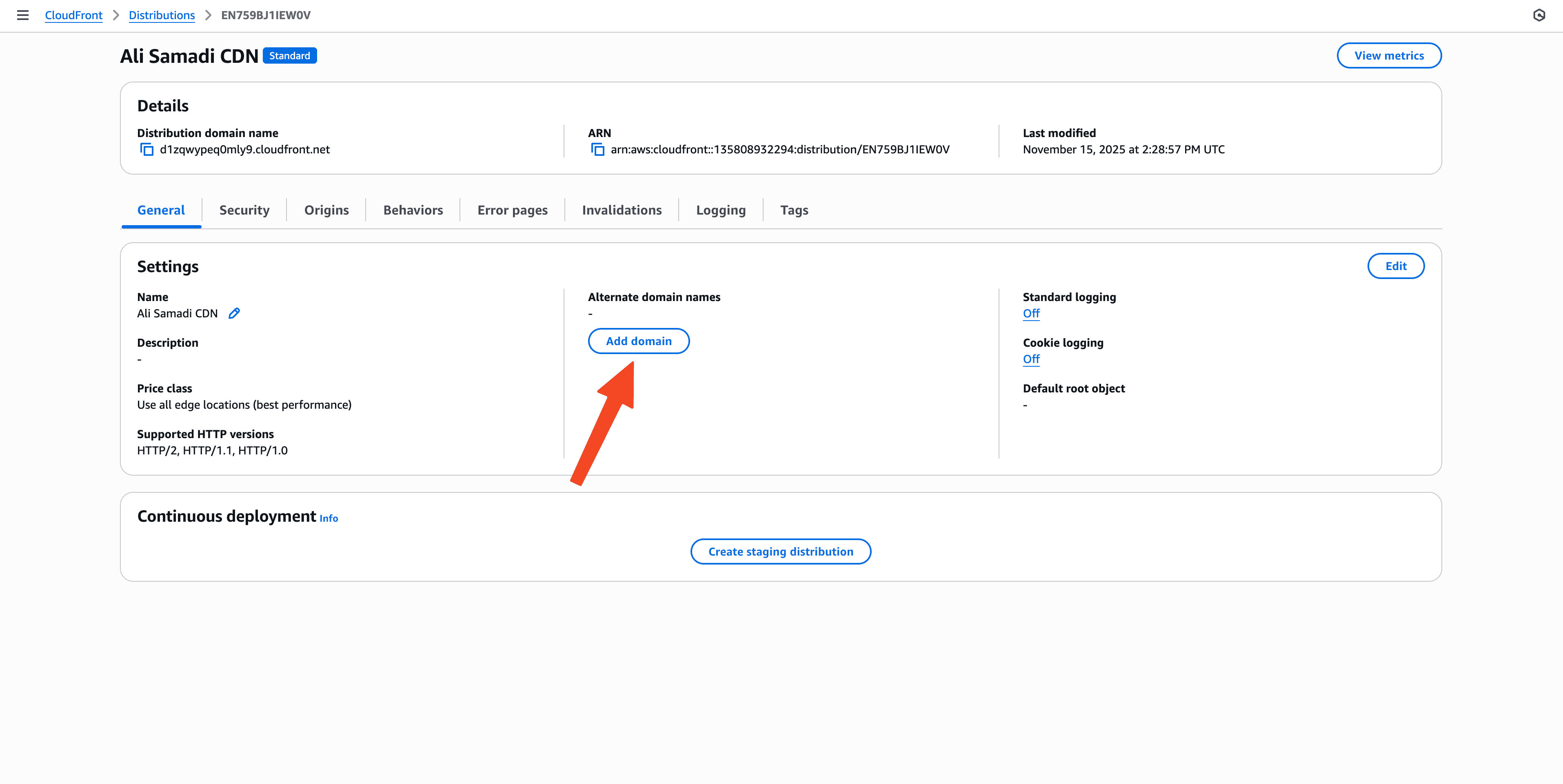
Add your domain:
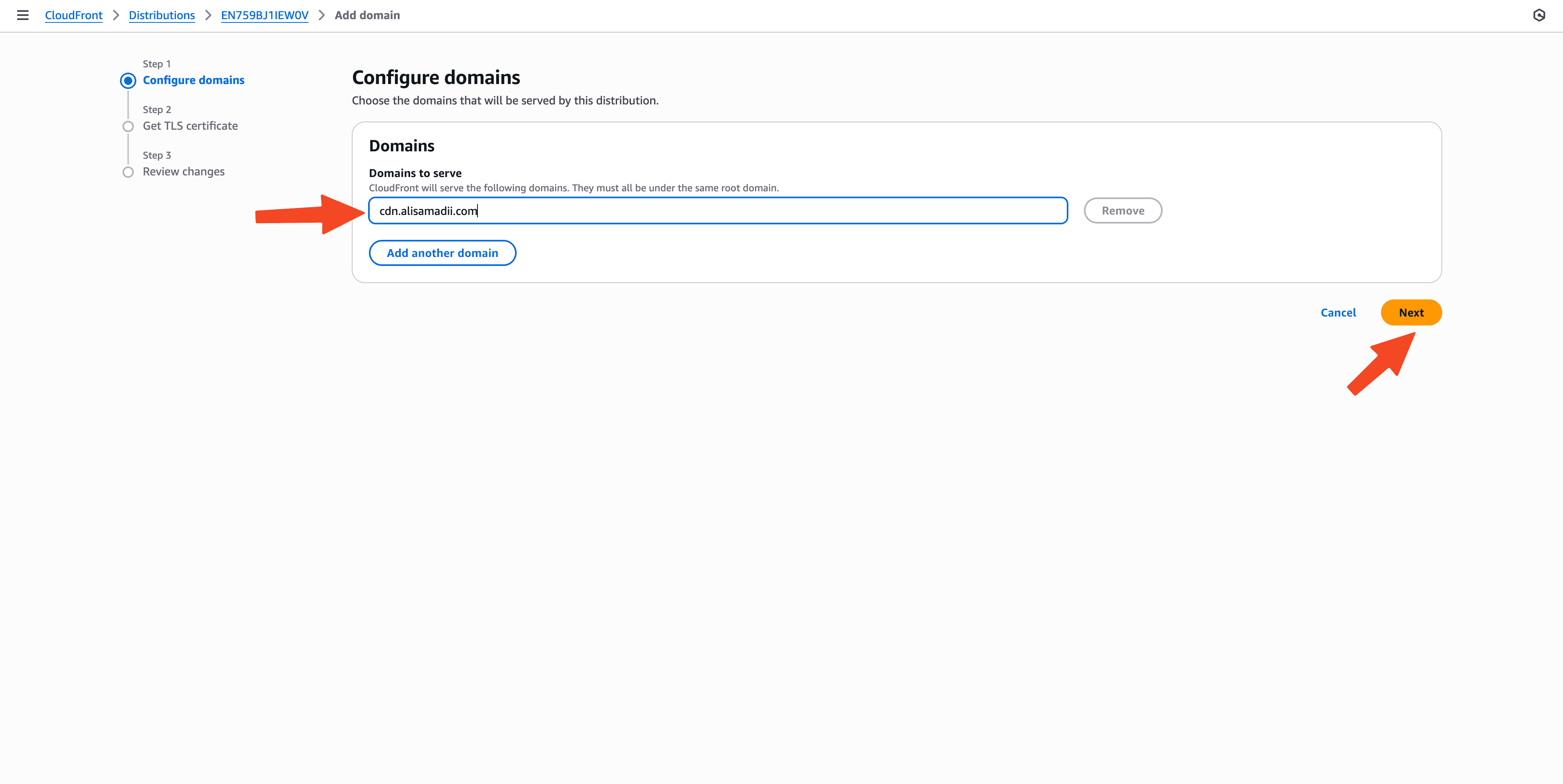
Add your certificate:
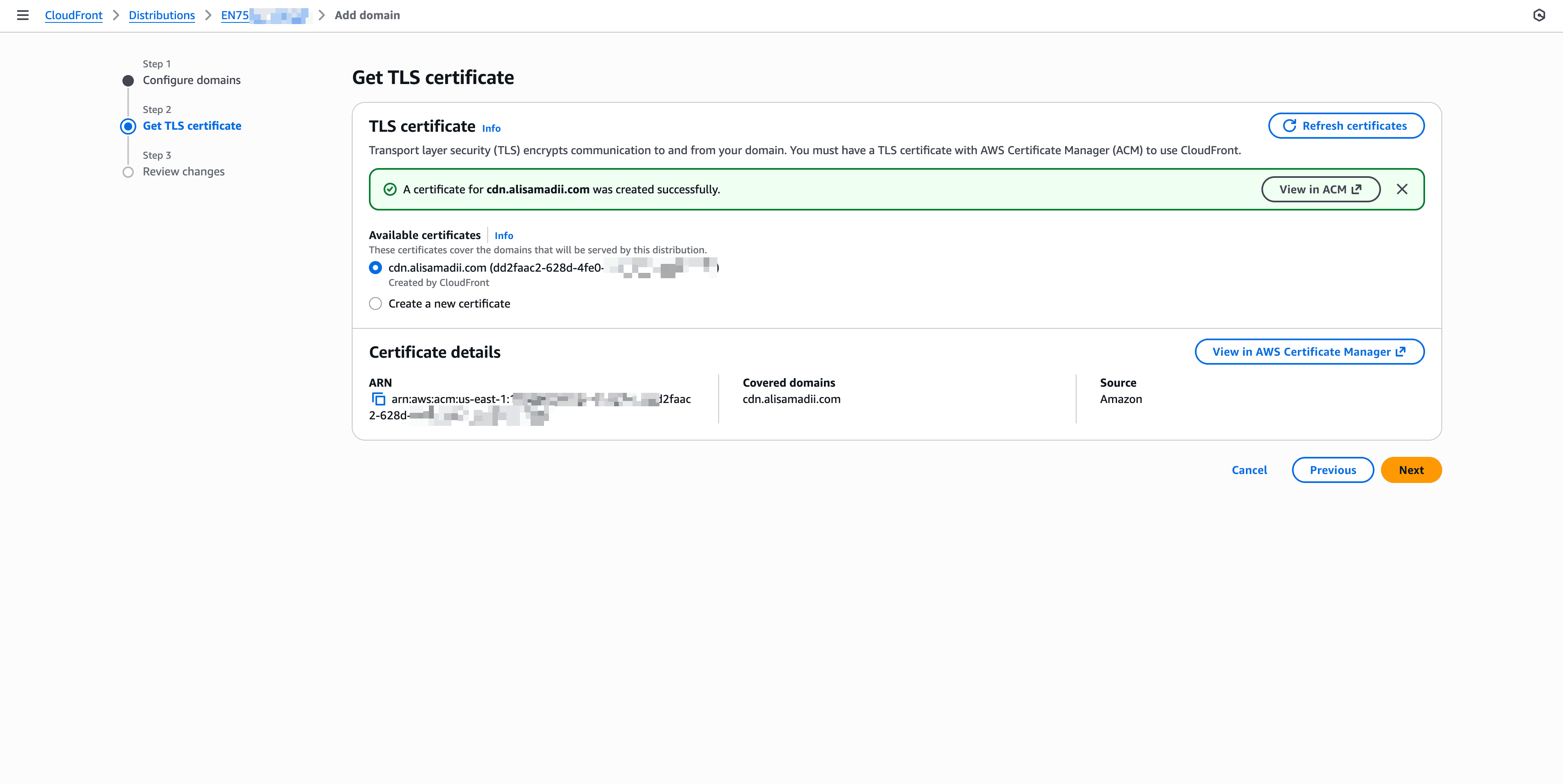
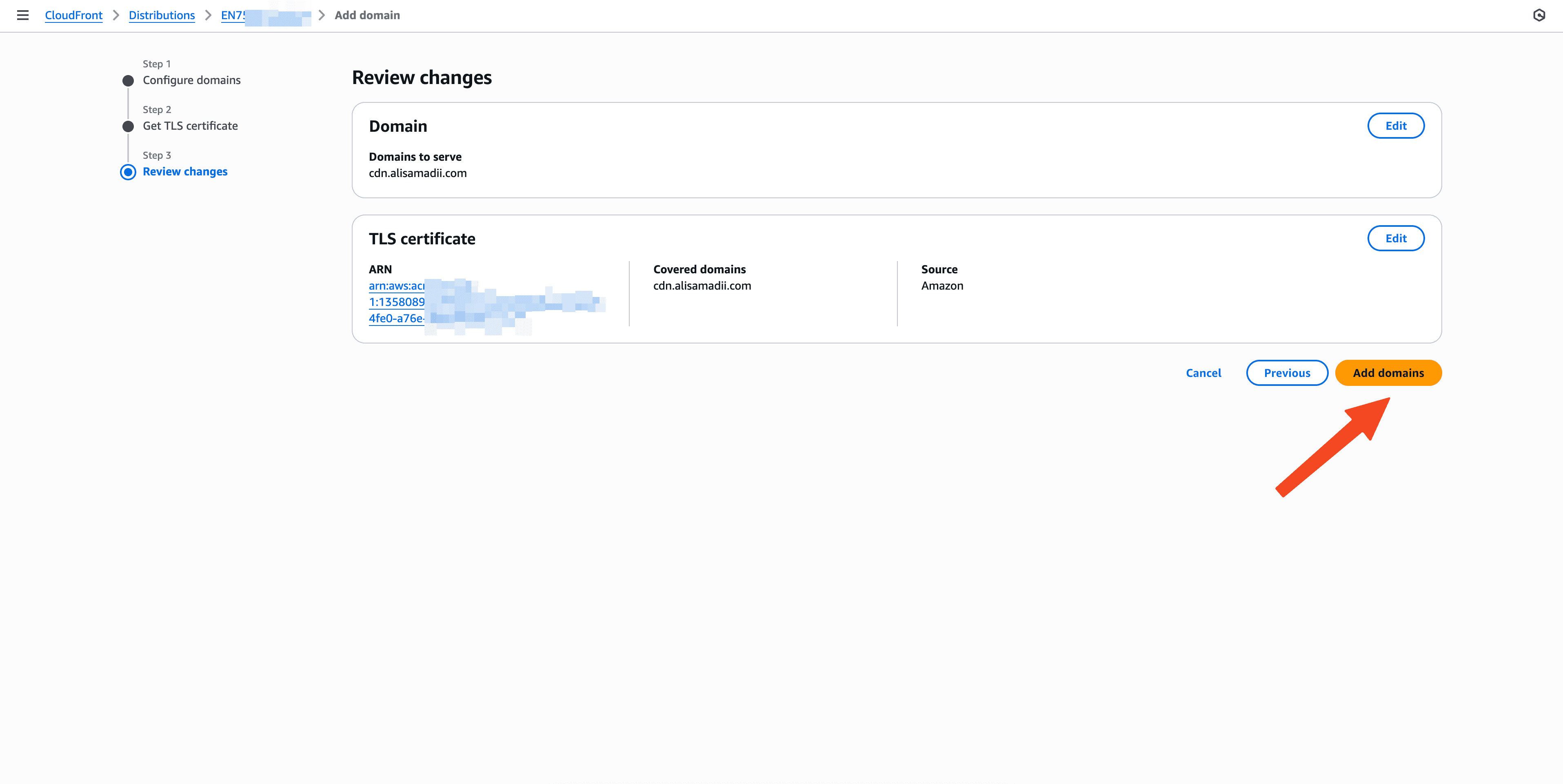
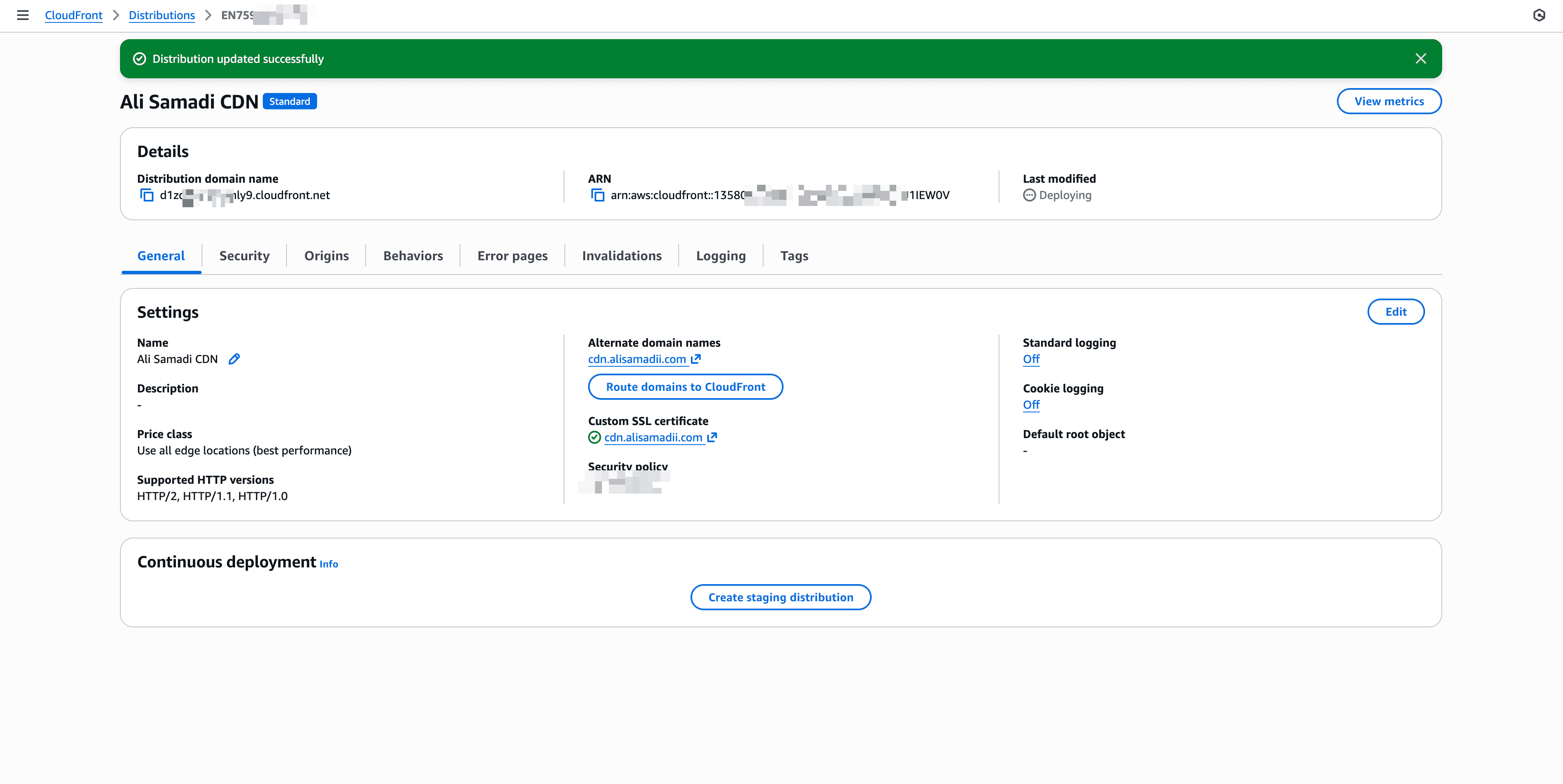
Congratulations! You have a successful fixed the errors.
But My Domain is Not secure?
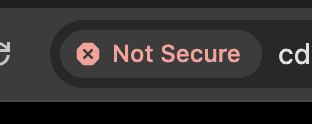
We’ve fully set up a secure CDN for your media files. Your domain cdn.alisamadii.com is now connected to Amazon CloudFront, which provides fast global delivery and HTTPS encryption.
At the moment, everything is configured correctly:
- The SSL certificate has been issued and attached to CloudFront
- The CDN domain is pointing to the CloudFront distribution
- All files are being served securely over HTTPS
- Other browsers already show the secure lock icon
If Chrome still shows a “Not Secure” message, that’s only because Chrome cached older settings from before HTTPS was enabled. Clearing the cache or opening the URL in an incognito window will immediately show the secure lock.
Your content is now fully protected and ready to be used with TikTok, Instagram, X, or any other platform that requires HTTPS.
Conclusion
Enjoy your secure CDN!
Important Note
I am chatting with AI regarding the payment process that I was getting each day. Chat